Warning: This Website is for Adults Only!
This Website is for use solely by individuals at least 18-years old (or the age of consent in the jurisdiction from which you are accessing the Website). The materials that are available on this Website include graphic visual depictions and descriptions of nudity and sexual activity and must not be accessed by anyone who is under 18-years old and the age of consent. Visiting this Website if you are under 18-years old and the age of consent might be prohibited by the law of your jurisdiction.

By clicking “Agree” below, you state that the following statements are accurate:
I am an adult, at least 18-years old, and the age of consent in my jurisdiction, and I have the right to access and possess adult material in my community.
I will not allow any person under 18-years old to have access to any of the materials contained within this Website.
I am voluntarily choosing to access this Website because I want to view, read, or hear the various available materials.
I do not find images of nude adults, adults engaged in sexual acts, or other sexual material to be offensive or objectionable.
I will leave this Website promptly if I am in any way offended by the sexual nature of any material.
I understand and will abide by the standards and laws of my community.
By logging on and viewing any part of the Website, I will not hold the Website’s owners or its employees responsible for any materials located on the Website.
I acknowledge that the Website’s Terms-of-Service Agreement governs my use of the Website, and I have reviewed and agreed to be bound by those terms.
If you do not agree, click on the “I Disagree” button below and exit the Website.

Date: June 4, 2026
🎁 JOIN TODAY FOR ONLY $6.67 PER MONTH 🎁

How To Watch VR Porn Videos on VRSmash

Ready to dive into mind-blowing VR porn? VRSmash gives you instant access to the hottest scenes from the world’s best studios — playable on almost any device: high-end headsets, PC, tablet, or phone.

Get the Full Immersive VR Porn Experience

The Meta Quest 2 and Meta Quest 3 are among the most popular high-end VR headsets. They come with the promise of powerful gaming, a great movie experience, and of course, porn.
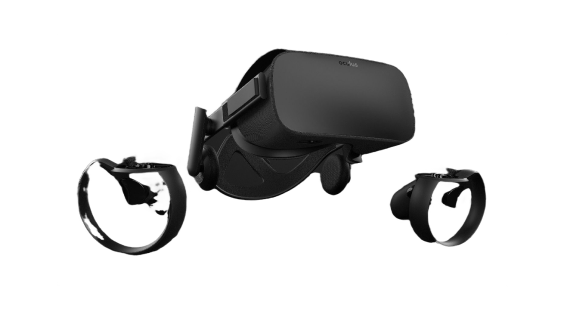
Headset for VR pornmask

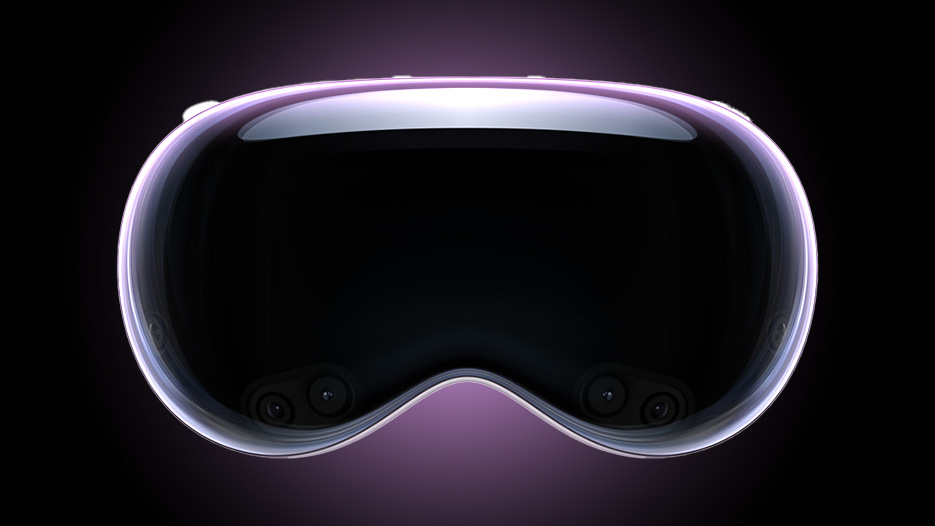
Apple Vision Pro

How to watch VR porn videosPlay button
Stream
  • 1.

    Open the App Store on your headset and search “PLAY’A Video Player.

  • 2.

    Install the app.

  • 3.

    Launch PLAY’AAdd Website → enter VRSmash.com

  • 4.

    Choose a video and hit Play.

Download
  • 1.

    Follow steps 1–3 above.

  • 2.

    Pick a video → Download → choose resolution.

Meta Quest 2 / 3 / 3S / Pro

How to watch VR porn videosPlay button
Stream
  • 1.

    Open the Meta Horizon Store or PLAY’A website → search “PLAY’A Video Player”.

  • 2.

    Install the app.

  • 3.

    Launch PLAY’AAdd WebsiteVRSmash.com

  • 4.

    Pick a video and hit Play.

Download
  • 1.

    Follow steps 1–3 above.

  • 2.

    Choose a video → Download → select resolution.

Pico 4

How to watch VR porn videosPlay button
Stream
  • 1.

    Open the Pico Store and search for “PLAY’A Video Player”.

  • 2.

    Download and install the app.

  • 3.

    Launch PLAY’A, tap Add Website, and enter VRPorn.com.

  • 4.

    Browse the site, pick a video, and hit Play.

Download
  • 1.

    Follow steps 1–3 from the Stream guide above.

  • 2.

    Browse the site, select a video, click Download, and choose your preferred resolution to start the download.

How to Watch VR Porn on Any Other Device

You can also use other less popular devices for watching content on VR Porn, even a cardboard headset. 
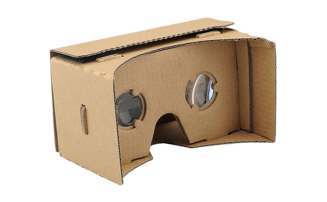
Cardboard for VR pornmask

HTC Vive

How to watch VR porn videosPlay button
Stream
  • 1.

    Open a video in Chrome or Edge → click Play.

  • 2.

    Click the VR Mode icon in the player.

  • 3.

    Put on your headset.

Download

Windows Mixed Reality

How to watch VR porn videosPlay button
Stream
  • 1.

    Open a video in Chrome or Edge → click Play

  • 2.

    Click the VR Mode icon

  • 3.

    Put on your headset

Download

Oculus Rift & Rift S

How to watch VR porn videosPlay button
Stream
  • 1.

    Install Steam + SteamVR

  • 2.

    Install PLAY’A Video Player from Steam

  • 3.

    In PLAY’A → Add Website → VRSmash.com

  • 4.

    Choose video → Play

Download
  • 1.

    Follow steps 1–3 above

How to watch VR Porn without headset?

No headset? No problem! Enjoy full 180° and 360° scenes in any browser or the PLAY’A app on your phone, tablet, or PC.
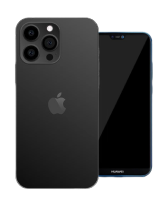
Smartphone for VR pornmask

Smartphone iPhone

How to watch VR porn videosPlay button
Stream
  • 1.

    In Safari or Chrome → tap Play

  • 2.

    Tap the VR Mode (headset) dvr headset icon icon

  • 3.

    Slide phone into any VR viewer

Download
  • 1.

    Install PLAY’A VR from App Store

  • 2.

    Download video to computer from VRSmash.com

  • 3.

    Connect iPhone → drag file into PLAY’A VR via Files app

  • 4.

    Open PLAY’A VR → Local Files

Smartphone Android

How to watch VR porn videosPlay button
Stream
  • 1.

    In Chrome → tap Play


  • 2.

    Tap the VR headset icon dvr headset icon

  • 3.

    Place phone in viewer

Download
  • 1.

    Install PLAY’A VR (Play Store or sideload)

  • 2.

    In PLAY’A → Add WebsiteVRSmash.com

  • 3.

    Download any video

Play'a - free VR porn app
What exactly is a VR video?
A VR video puts you inside the scene — look around in full 360° and real 3D depth.
How do I watch?
Stream instantly or download for offline.
Streaming vs Downloading?
Streaming = instant playback straight from VRSmash.com (no waiting). Downloading = highest possible quality + works offline